About this shared SystemMultispace.dev
AI Trading Command Center
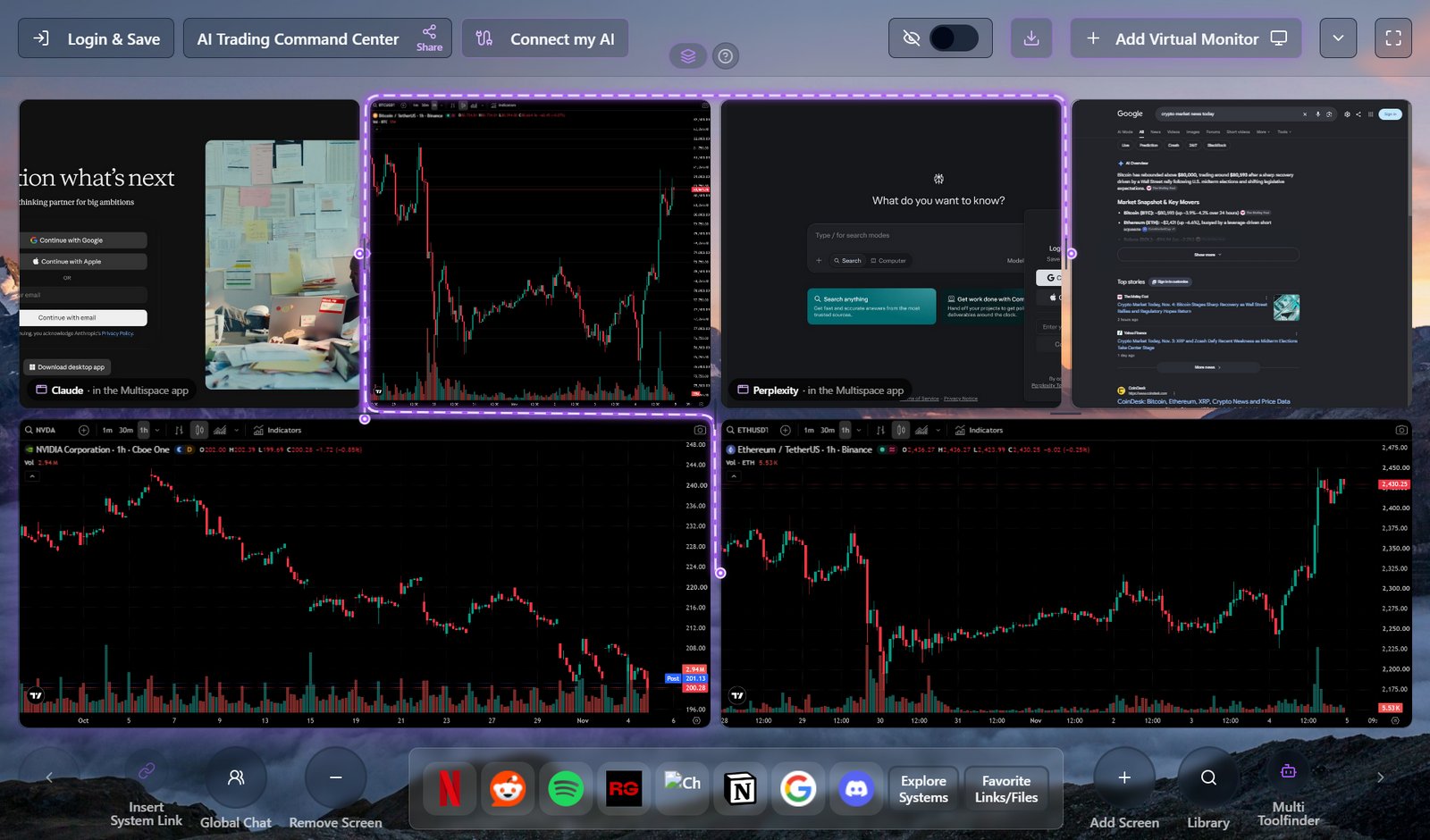
Claude for AI help, TradingView for charts, Perplexity for AI search and Google, all open at the same time in one window. A 6-screen setup for AI work and trading, ready to use in one click.
- Claude
- TradingView
- Perplexity
How to use it
- Try it right here. AI Trading Command Center is open on this page, in Multispace in your browser. Click "View it here" to use its 6 screens.
- Install Multispace in seconds. Free for Windows and Mac. Every app in this system runs there, next to your own desktop, programs and websites: everything in one place.
- Connect your AI to it. Connect Claude, or any AI agent, to this system and watch it work live in Claude, TradingView and Perplexity. Or give it your whole desktop.
- Or build your own. Add any app, website or program, add virtual monitors for you or Claude to work in, then share it: it gets a page like this one.
Questions
What's in AI Trading Command Center?
Claude (claude.ai), TradingView (tradingview.com), Perplexity (perplexity.ai) and Google (google.com), on 6 screens.
Who made it?
Multispace shared it on Multispace on November 5, 2026. It has been opened 3 times.
Is it free?
Yes. Multispace and every system in its Community Library are free, in your browser and as an app for Windows and Mac.