Type Less Workday: Claude Does the Busywork
A workday where you barely touch the keyboard. Claude sits in its own screen, wired to the others (the lines), and does the busywork in the real apps: drafts the report in the editor, moves your tasks on the Trello board, sketches the plan on the whiteboard. You tell it what you need in one line, or say it with Windows voice typing (Win+H). Deep Focus plays on the side. For anyone who'd rather type less, one-handed and upper-limb amputee users included.
- Claude
- Writing
- Trello
- Excalidraw
- Spotify
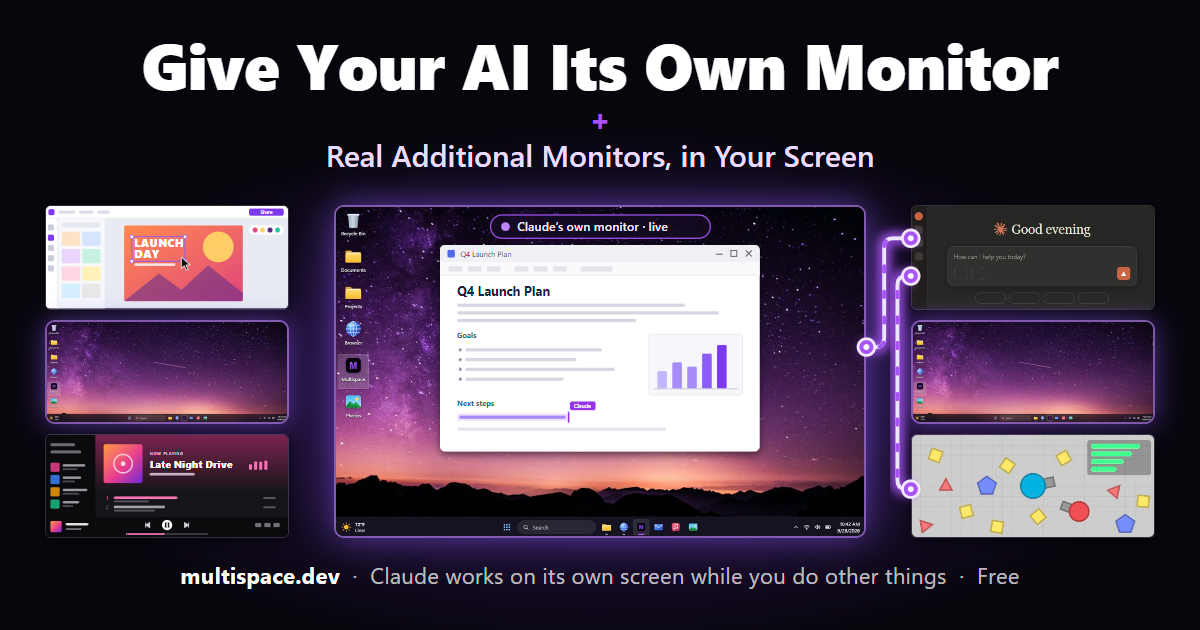
How to use it
- Try it right here. The Type Less Workday: Claude Does the Busywork system is open on this page, in Multispace in your browser. Click "View it here" to use its 5 screens.
- Install Multispace in seconds. Free for Windows and Mac. Every app in this system runs there, next to your own desktop, programs and websites: everything in one place.
- Connect your AI to it. Connect Claude, or any AI agent, to this system and watch it work live in Claude, Writing and Trello. Or give it your whole desktop.
- Or build your own. Add any app, website or program, add virtual monitors for you or Claude to work in, then share it: it gets a page like this one.
Questions
What's in the Type Less Workday: Claude Does the Busywork system?
Claude (claude.ai), Writing (dillinger.io), Trello (trello.com), Excalidraw (excalidraw.com) and Spotify (open.spotify.com), on 5 screens.
Who made it?
Multispace shared it on Multispace on November 5, 2026. It has been opened 3 times.
Is it free?
Yes. Multispace and every system in its Community Library are free, in your browser and as an app for Windows and Mac.