About this shared SystemMultispace.dev
AI Music Studio
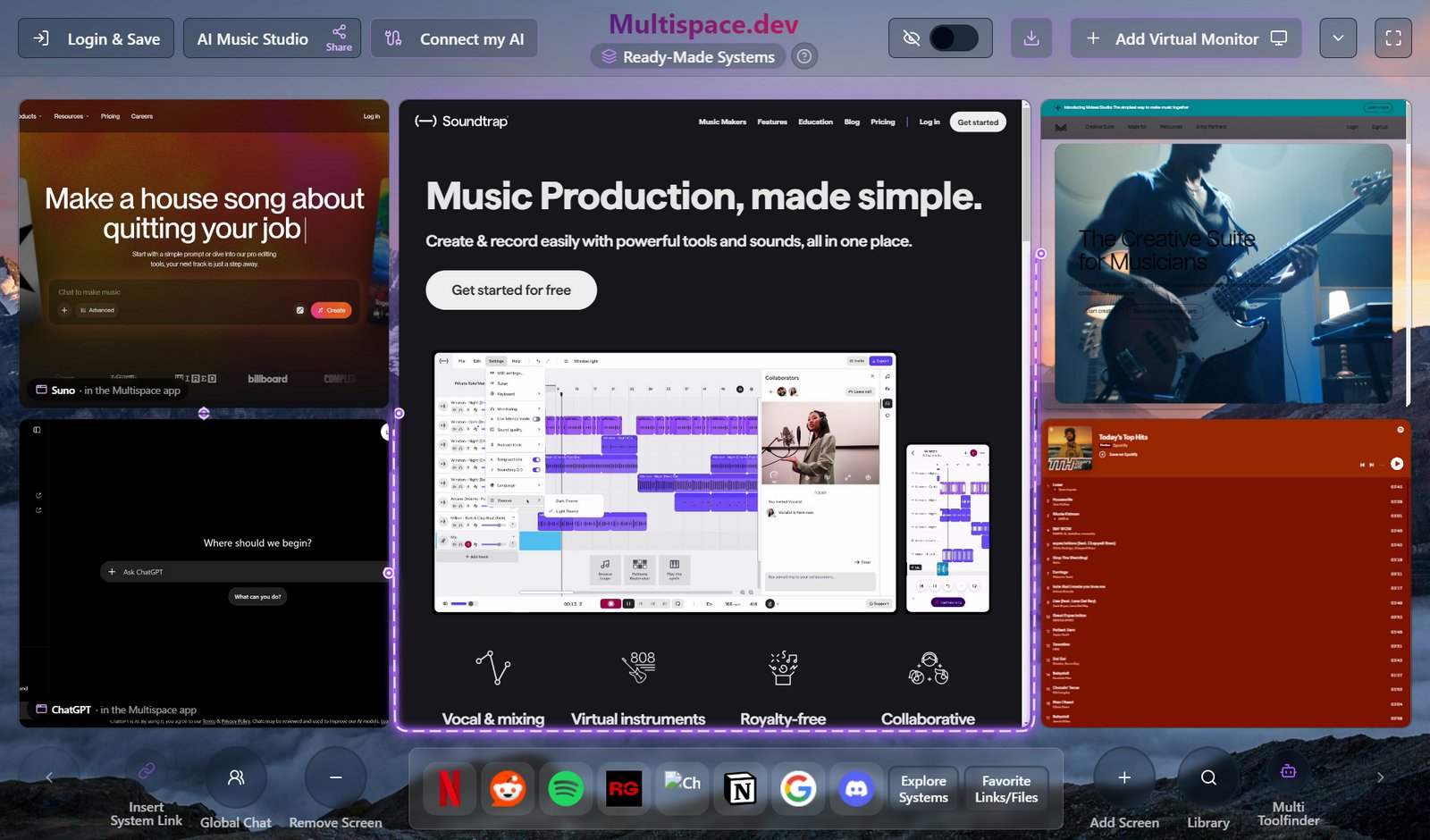
Suno for AI songs, ChatGPT for AI help, Soundtrap for recording, Moises for splitting tracks and Spotify for music side by side in one window, each on a screen of its own. Set up for music and AI work: 5 screens, ready in one click.
- Suno
- ChatGPT
- Soundtrap
- Moises
- Spotify
How to use it
- Try it right here. AI Music Studio is open on this page, in Multispace in your browser. Click "View it here" to use its 5 screens.
- Install Multispace in seconds. Free for Windows and Mac. Every app in this system runs there, next to your own desktop, programs and websites: everything in one place.
- Connect your AI to it. Connect Claude, or any AI agent, to this system and watch it work live in Suno, ChatGPT and Soundtrap. Or give it your whole desktop.
- Or build your own. Add any app, website or program, add virtual monitors for you or Claude to work in, then share it: it gets a page like this one.
Questions
What's in AI Music Studio?
Suno (suno.com), ChatGPT (chatgpt.com), Soundtrap (soundtrap.com), Moises (moises.ai) and Spotify (open.spotify.com), on 5 screens.
Who made it?
Multispace shared it on Multispace on November 5, 2026. It has been opened 3 times.
Is it free?
Yes. Multispace and every system in its Community Library are free, in your browser and as an app for Windows and Mac.